Works with Gmail and Google Workspace
Email marketing that runs on your own Gmail
Letterly adds lists, signup forms, templates, scheduling, and unsubscribes to the Google account you already use. Sign in and start writing — there is nothing else to set up.
Free to build and design. Pay only when you send.
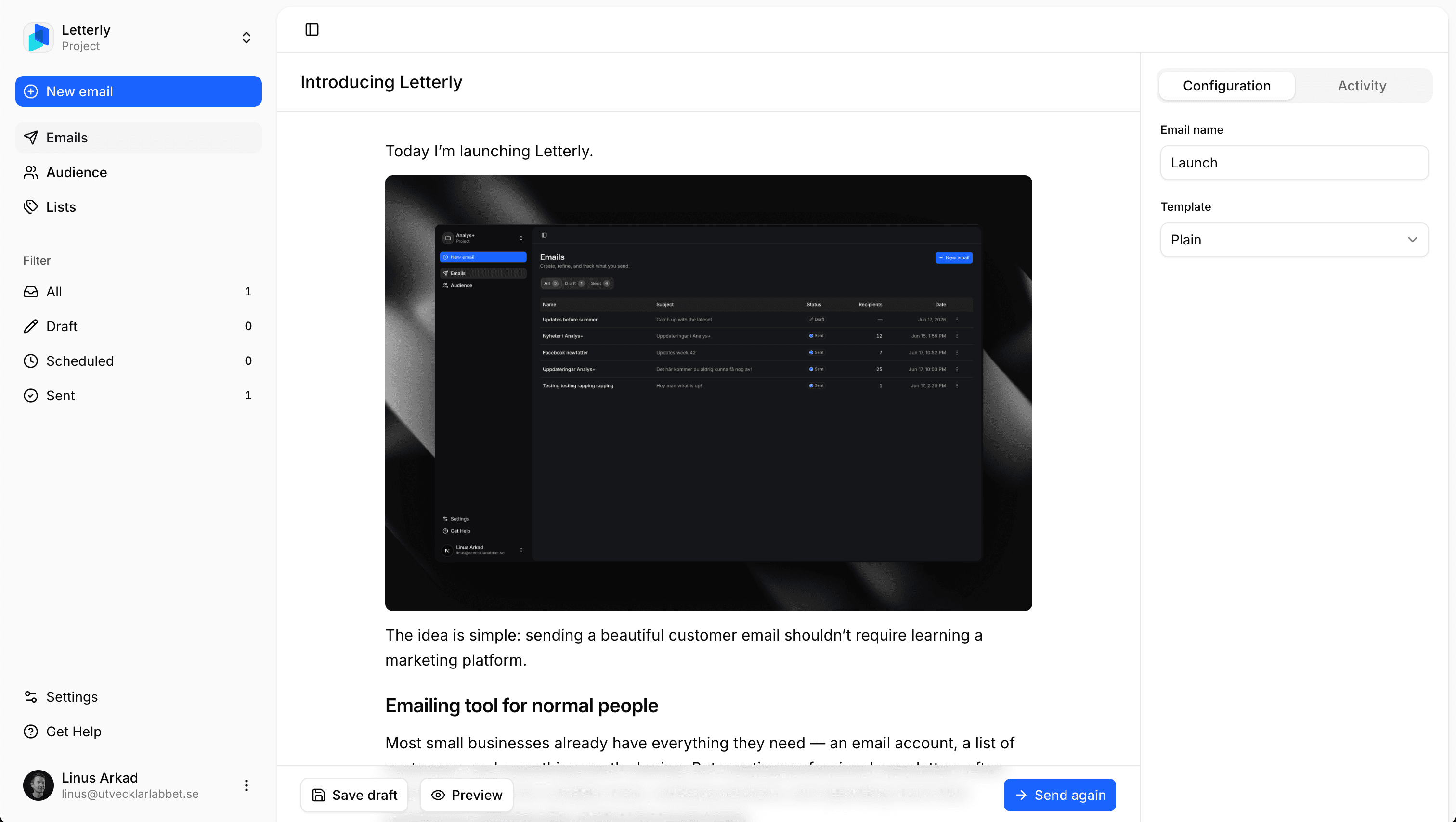
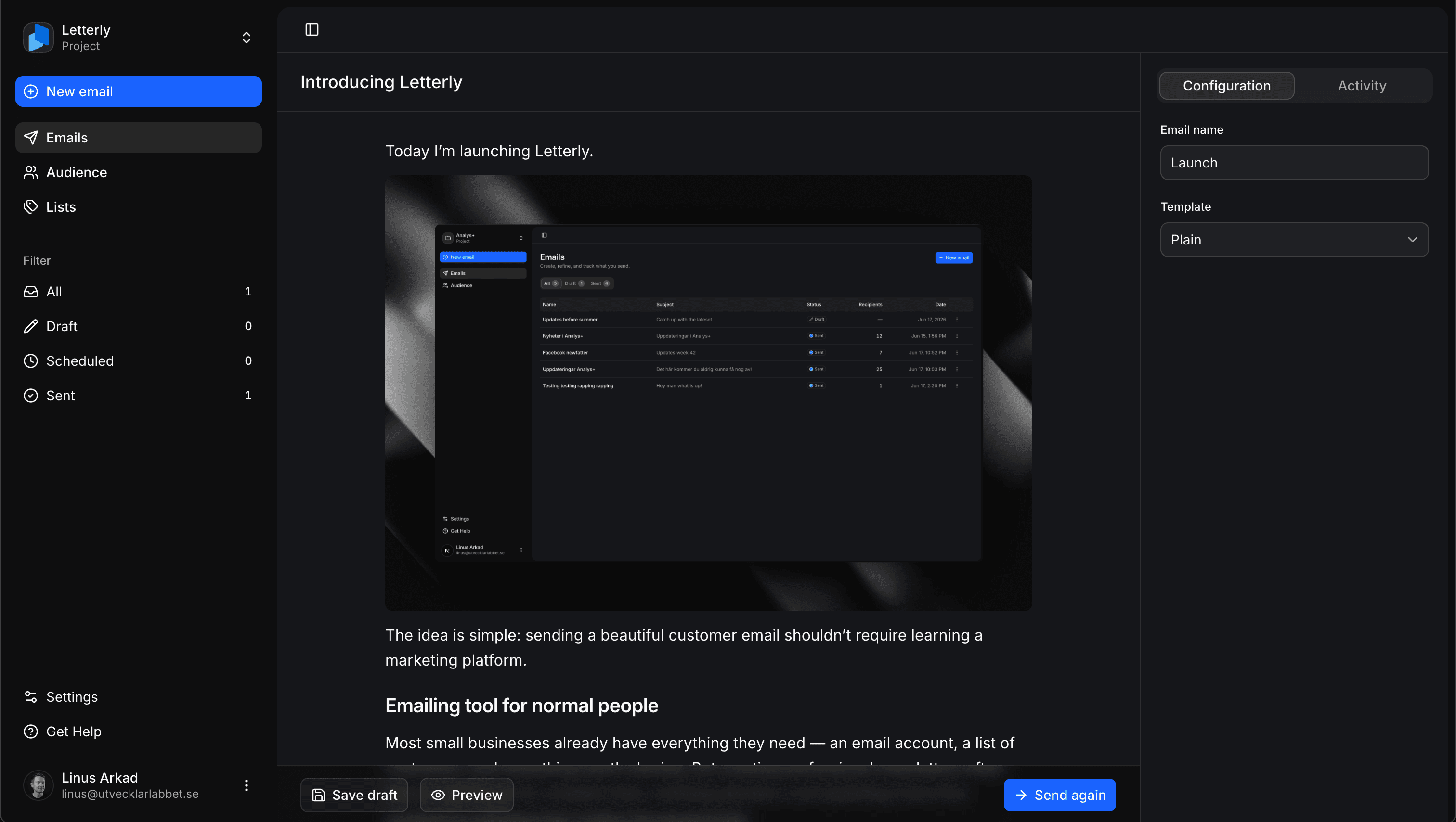
Nothing to set up
Your email is already set up. We add the marketing tools.
Letterly connects to the Gmail or Google Workspace account you use every day. Your address, your contacts, and your sending reputation stay exactly as they are.
Usually you start here
- 1Buy a sending domain
- 2Verify it with DNS records
- 3Add SPF, DKIM, and DMARC
- 4Warm up a brand-new address
- 5Wait for account review
- 6Learn a marketing platform
With Letterly
Sign in with Google
Then you’re writing. No domain, no DNS records, no new address to warm up, and nothing for your IT admin to approve.
That’s the whole setup
What you get
The whole toolkit, on top of the account you have
Eight things you can do the moment you sign in. No modules to enable, no plan tiers to compare.
Compose and send
Sign in with Google, write your email, hit send. That’s the entire flow.
Block editor
Build emails from blocks — headings, images, buttons, columns. It feels like Notion.
Saved templates
Set your layout, logo, and colors once. Every send starts on brand.
Lists
Group people into lists like Customers or Newsletter. Anyone can be on several.
Audience growth
Collect subscribers with a signup link, an embedded form, or the API.
Scheduling
Pick a date and time. Your email goes out from your account when it’s due.
Unsubscribes
Every email carries an opt-out link, and that choice sticks on every send after.
Team collaborators
Invite teammates to draft, review, and send from the same project.
Block editor
Write in blocks, not in HTML
Type / and pick what comes next — heading, image, button, divider, two columns. Drag blocks to reorder them. If you have used Notion, you already know how this works.
- Slash menu for every block type
- Drag any block to reorder it
- Save a finished email as a reusable template
First drafts
Start from a draft, not an empty page
Describe the email in a sentence, or point it at the page you’re announcing. What comes back is a real layout — headings, bullets, a button — in the same blocks you’d have built by hand.
- Draft from a sentence or a link to your page
- Proofreading that fixes typos and leaves your layout alone
- Rewrite a sentence or a list without losing its formatting
Lists
Lists that match how you actually send
Group people into lists like Customers, Newsletter, or Beta. Someone can sit on as many lists as you like, and recipients are de-duplicated before anything goes out.
- Import a CSV or add people by hand
- One contact, as many lists as you need
- Send to a single list or several at once
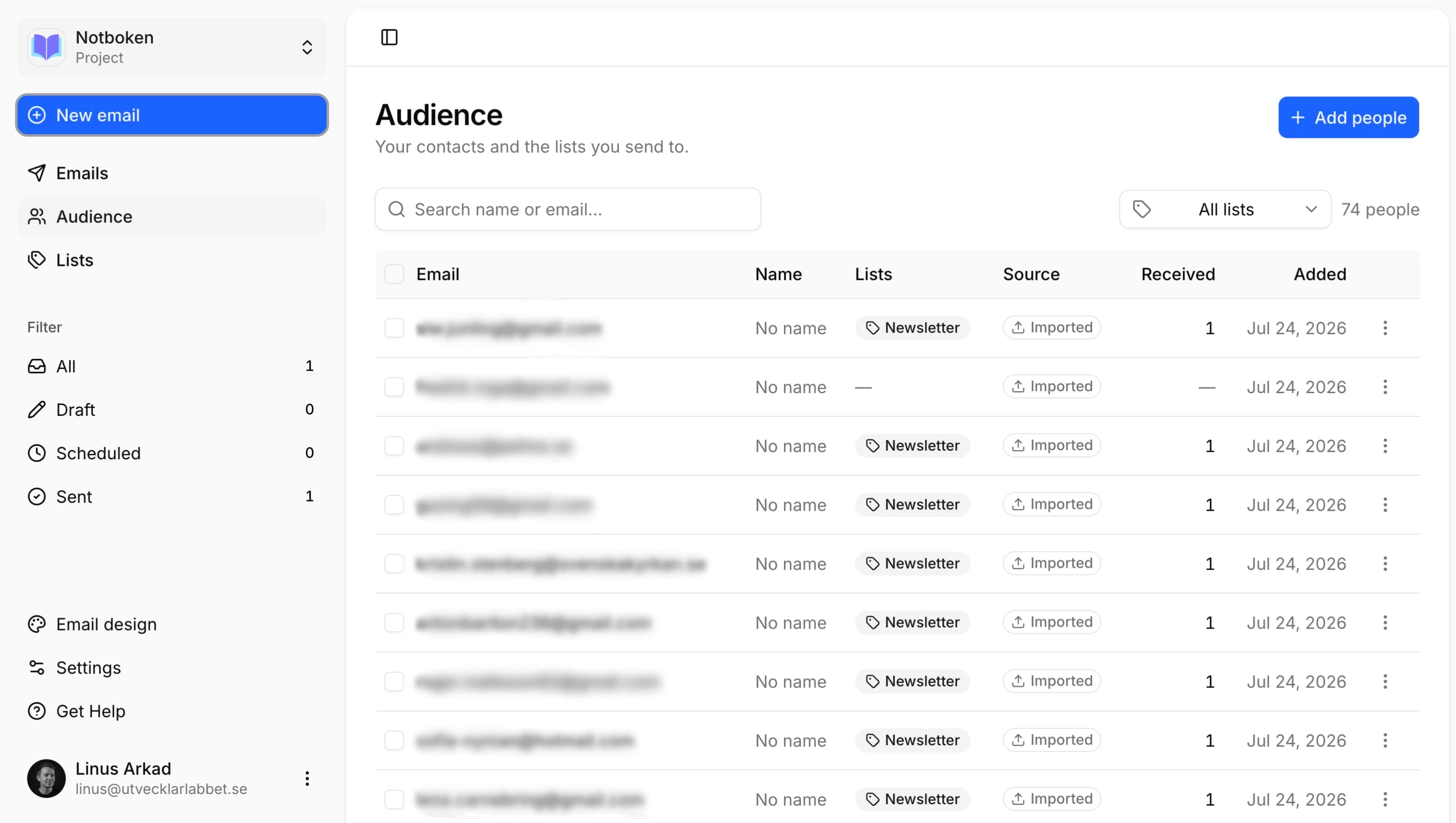
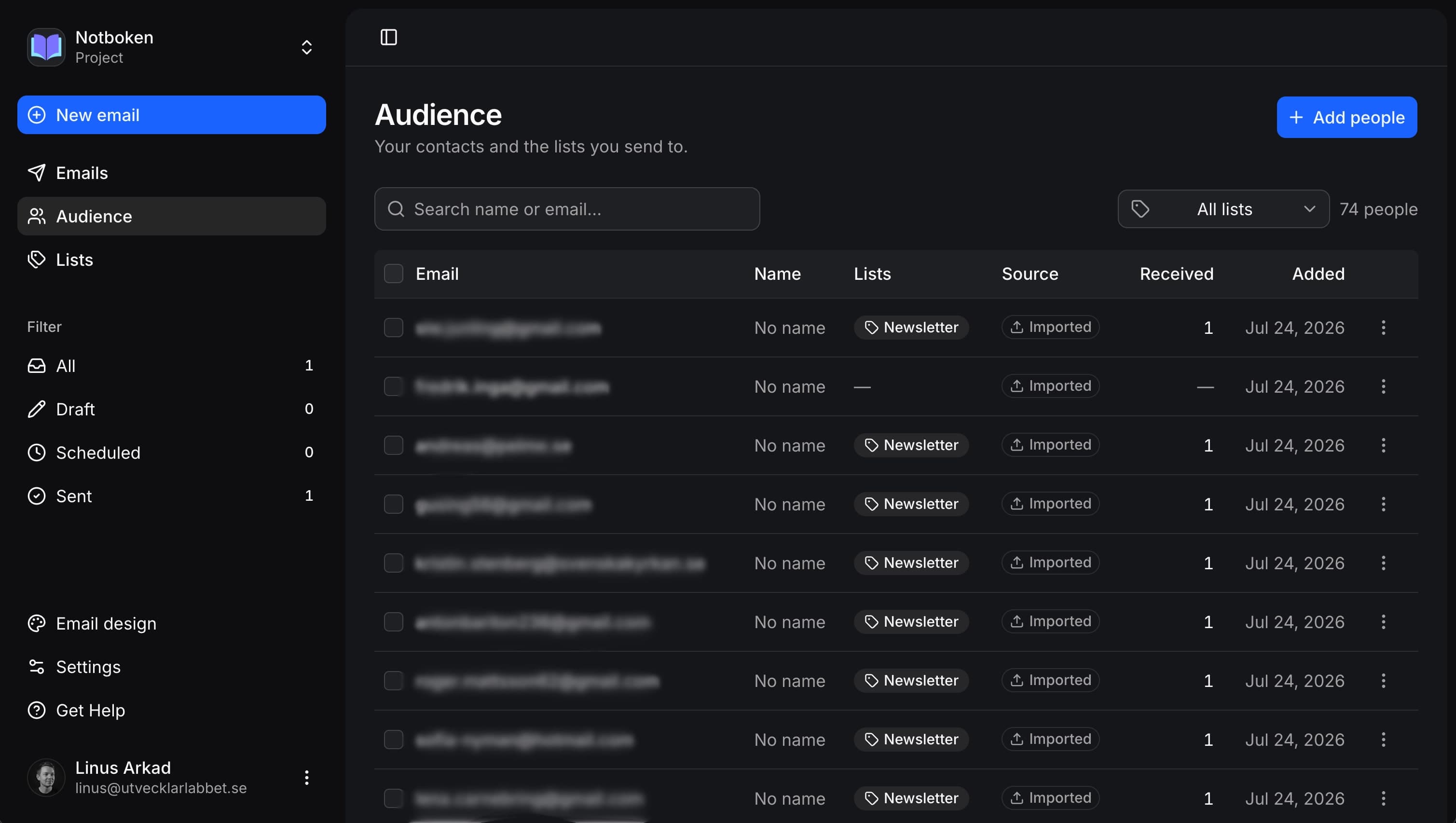
Grow your audience
Let people sign themselves up
Share a hosted signup link, embed a form on your site, or create contacts straight from your own product. However someone arrives, they land on the list you picked.
- A signup page you can share anywhere
- An embeddable form for your website
- An API for your SaaS or product signup flow
Get Letterly updates
This is the page behind a signup link. Try it — it’s the real thing, and you can unsubscribe anytime.
Send and schedule
Send now, or pick the moment
Choose your lists, then send straight away or queue it for a date and time. It leaves from your own address with an unsubscribe link already in place.
- Sends from your Gmail or Workspace address
- Schedule ahead and walk away
- Opt-outs respected on every send after
Pricing
Build for free. Pay when you send.
Every plan is the full product. The only choice is how often you want to pay for it.
Letterly Pro
One subscription. Everything included.
Every plan unlocks the full product — the only difference is how you pay. Create projects, grow lists, and send from Gmail without hitting artificial limits.
Unlimited campaigns and contacts
Send as often as you like, to a list of any size.
Unlimited projects
Run separate brands or newsletters from one account.
Unlimited collaborators
Invite your whole team to draft, review, and send.
Send from Gmail or Workspace
No domain setup, DNS, or separate sending infrastructure.
Block editor and templates
Build emails from blocks, then save the layout to reuse.
Signup links, forms, and API
Let people subscribe from anywhere, including your own app.
Built-in unsubscribe
One-click opt-out on every send, remembered for good.
Schedule campaigns
Queue emails to go out on the date and time you choose.
Pick how you want to pay
Same features on every plan. Upgrade once, use across all your projects.
Monthly and yearly plans can be cancelled anytime. Lifetime is a one-time purchase with no renewal.
Questions, plainly answered
You already have the email account
Sign in with Google and send your first campaign today. Upgrade only when you hit send.
Free to build and design. No credit card to start.